
Never miss a post with smart scheduling
Plan and arrange your social media content in advance—streamline your strategy, plan ahead, and maximize engagement so you never miss a post.
- No credit card required
- Cancel anytime
- Set up in minutes
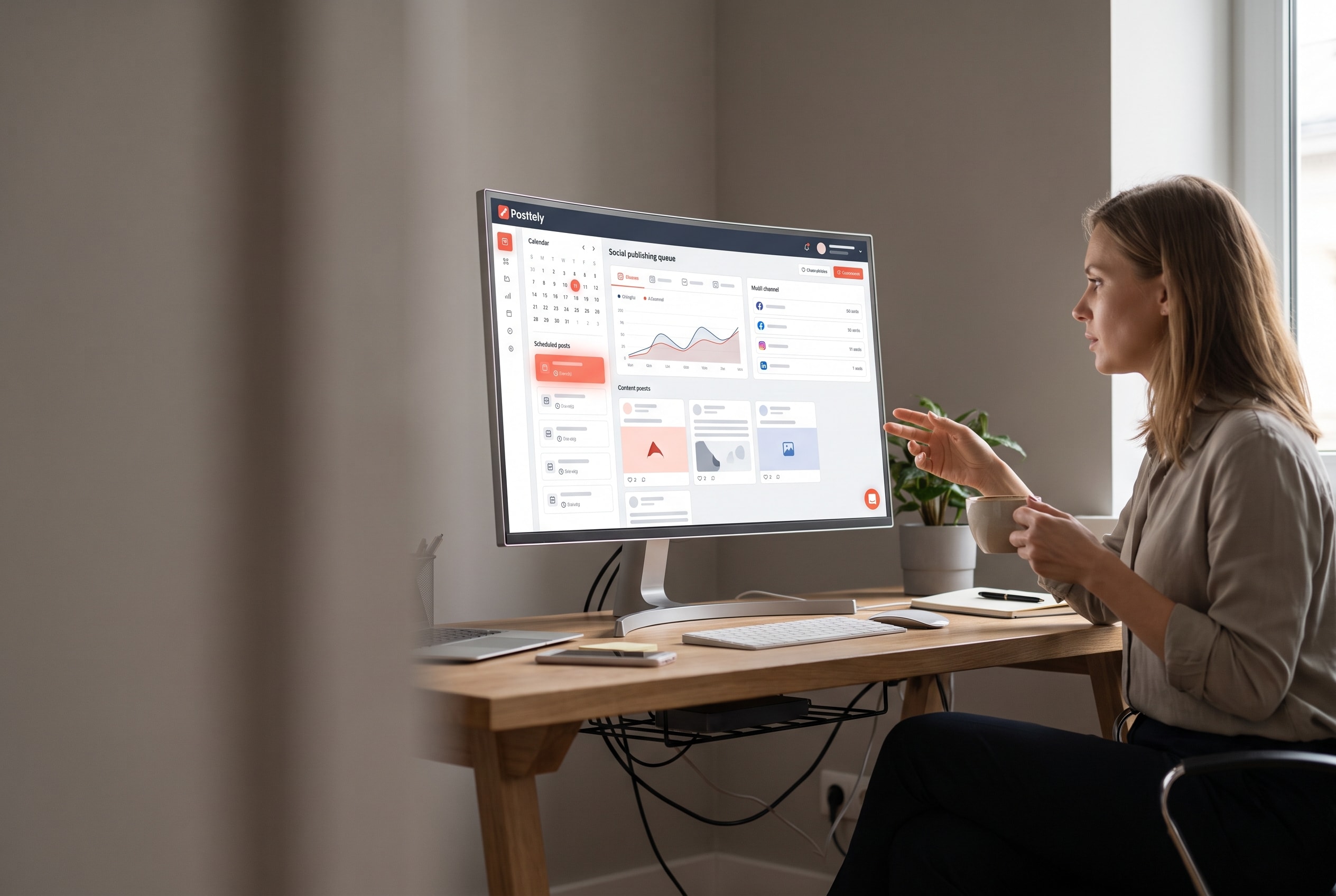
Queue a week of content once — publish everywhere on time without midnight logins.
- Smart times
- Multi-channel queue
- Preview before live
Plan ahead and stay consistent everywhere
Streamline your content strategy, plan ahead, and maximize engagement. Posttely’s intelligent scheduling helps you keep every channel active without last-minute scrambling. Use one hub for smart scheduling, bulk publishing, preview and review, mobile management, auto-repost, and performance analytics.

Smart scheduling
Schedule across platforms with an intuitive calendar; set optimal posting times based on audience activity.

Bulk publishing
Publish to multiple platforms from one place and manage every connected account together.

Preview & review
Preview posts before they go live so everything looks right on every surface.

Mobile management
Schedule, edit, and publish on the go with the Posttely mobile app.
Built for the moments that matter

Queue
15+ networksSet date, time, and timezone per post while every connected profile stays in one publishing hub.

Mobile
On the goEdit slots, pause queues, and keep campaigns moving when you are away from your desk.
Built into your workflow
A clear path from first draft to published work, without bouncing between tools.
Connect channels
Link the social accounts your team manages across 15+ supported networks.
Queue content
Schedule posts for optimal times or set precise date-and-time slots.
Preview & approve
Review copy and creative before anything publishes to live profiles.
Track results
Use analytics to learn what to schedule next and when audiences engage.
Where teams get value
- 01
Always-on presence
Maintain cadence across time zones without manual midnight publishing.
- 02
Multi-brand ops
Run separate queues per client or workspace from one dashboard.
- 03
Mobile management
Adjust schedules on the go when news breaks or priorities shift.
Scheduling with Posttely: quick answers
How do I schedule social media posts with Posttely?
- Connect your social accounts, write the post once, pick the channels, then choose a date and time or post right away. Posttely publishes it for you at that time, so you do not need to be online. You can edit or reschedule anything still in the queue.
Can I post to several networks at once?
- Yes. One post can go to every connected channel at the same time, such as Instagram, Facebook, LinkedIn, Threads and Bluesky. You write the caption once and can adjust it for each network before it is scheduled.
Does Posttely suggest the best time to post?
- Yes. Posttely looks at how your past posts performed and shows the days and hours when your audience engaged most, so you can schedule new posts into those slots instead of guessing.
Is scheduling free?
- Yes, the Free plan includes scheduling. Free covers 1 channel and 28 scheduled posts a month; Elite (5 channels), Team (10) and Agency (20) are paid plans.
Schedule your first week in Posttely
Connect channels, queue a week of content, and see how unified publishing feels.
No credit card required · Cancel anytime · Talk to us
- InstagramTailored from one draft09:00
- LinkedInTailored from one draft12:15
- XTailored from one draft18:40
- ThreadsTailored from one draft20:00