
Turn a prompt into a post-ready image
Create images with AI inside Posttely. Buy credits or use your own OpenAI or Gemini key, and every image lands in your Media Library, ready to schedule.
- No credit card required
- Cancel anytime
- Set up in minutes

Describe it, generate it, post it.
- GPT Image 2 and Gemini
- Credits never expire
- Saved to your Media Library
Stop leaving Posttely to find the right picture
Great posts need great visuals, and finding the right image is where most schedules stall. AI Studio puts image generation in the same place you plan and publish. Describe the picture, choose a model and a shape, then generate. Every image is saved to your Media Library automatically, so there is nothing to download and re-upload before you post.
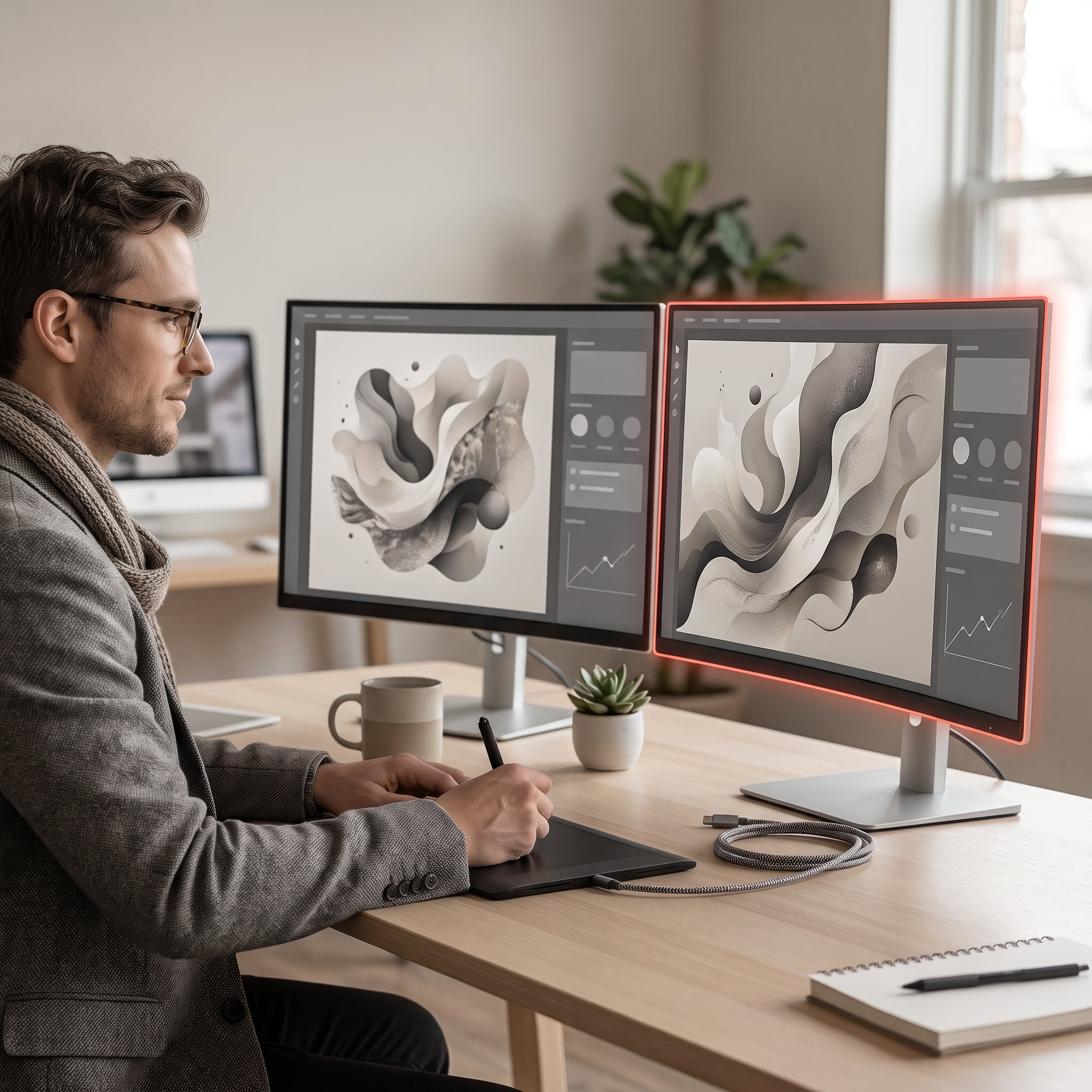
Two models
Generate with GPT Image 2 from OpenAI or Gemini 2.5 Flash Image from Google, and keep the one that suits your brand.
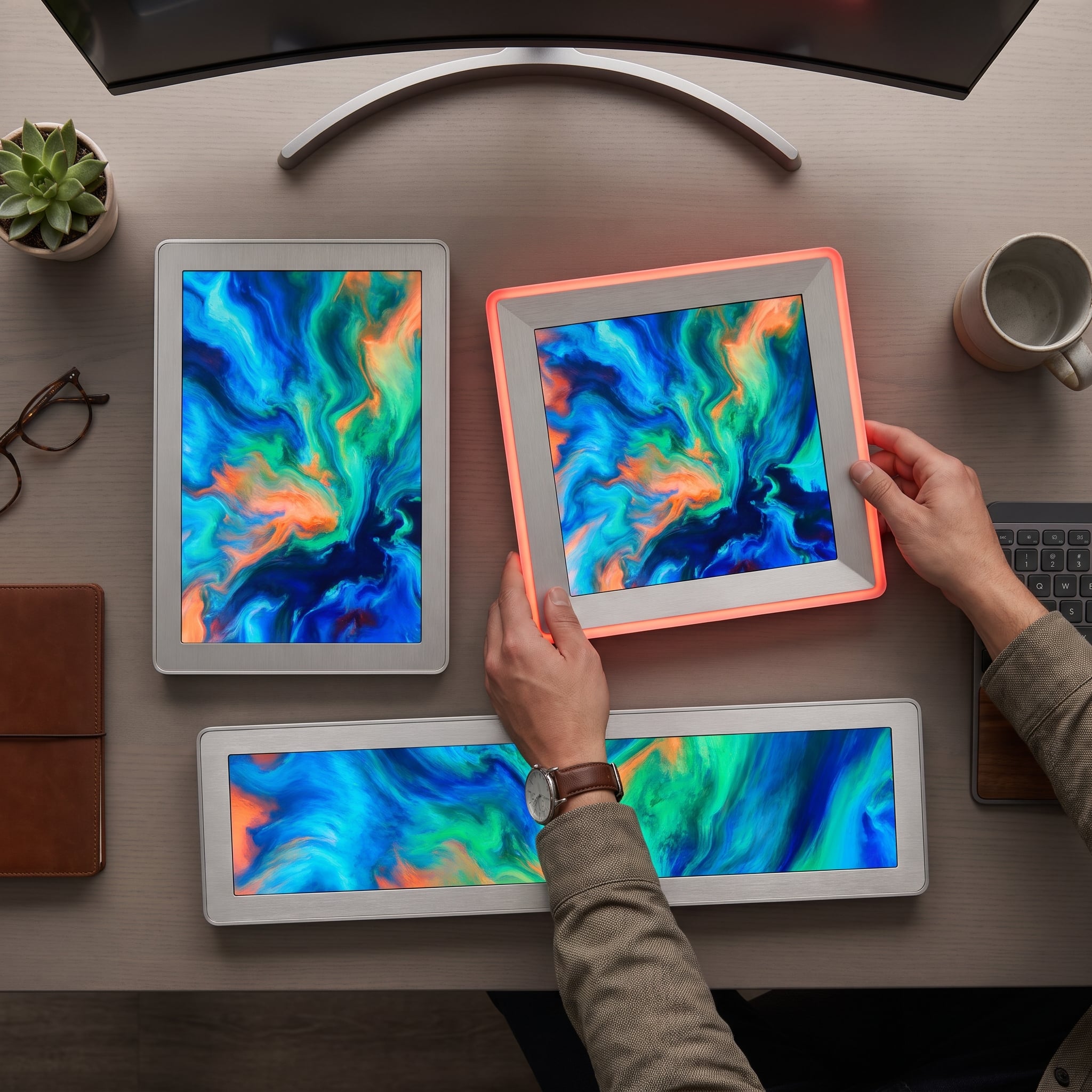
Eleven image shapes
Pick Auto, 21:9, 16:9, 3:2, 4:3, 5:4, 1:1, 4:5, 3:4, 2:3 or 9:16 for feed posts, stories and banners.
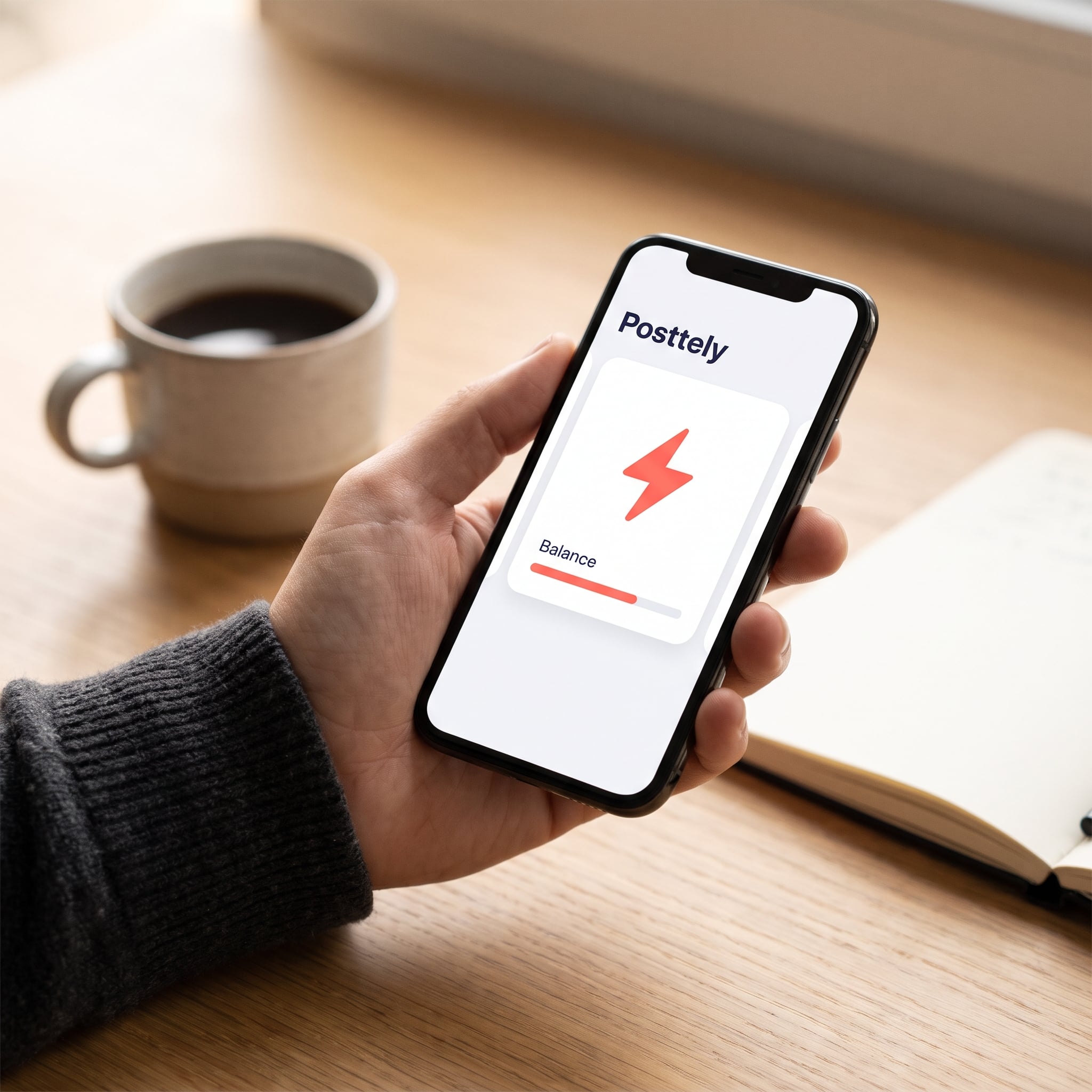
Credits that never expire
Buy a pack of 50, 150 or 350 credits. An image costs 4 credits, and a failed image is refunded automatically.

Your own keys
Add your OpenAI or Gemini key to generate on your own provider account. Keys are encrypted and never shown again.
Built for the moments that matter

Prompt, model and shape
11 shapesWrite the prompt, add up to three reference images, then pick a model and a shape. Choose credits or your own key and generate.

Credits that never expire
Refunded if it failsBuy a pack when you need it. Each image costs 4 credits, GST is added at checkout and a failed image is refunded automatically.
Built into your workflow
A clear path from first draft to published work, without bouncing between tools.
Open AI Studio
Find it under Tools in the sidebar, next to your Media Library.
Describe the image
Write a prompt, optionally add up to three reference images, then choose a model and a shape.
Pay your way
Spend credits, or switch to your own OpenAI or Gemini key and generate on your own provider account.
Post it
Your image is already in the Media Library. Attach it in the composer and schedule as usual.
Where teams get value
- 01
Feed and story visuals
Pick the shape first, from 1:1 and 4:5 for feeds to 9:16 for stories, and generate to fit.
- 02
Campaign banners
Use the wide 16:9 and 21:9 shapes for launch banners and cover images, then reuse them across channels.
- 03
Agency drafts
Bring your own key so client work runs on your provider account, and keep every result in one library.
Create your first image in Posttely
AI Studio is available on paid plans. Open it, write a prompt and find the result in your Media Library. Video, audio and music are coming soon.
No credit card required · Cancel anytime · Talk to us
- InstagramTailored from one draft09:00
- LinkedInTailored from one draft12:15
- XTailored from one draft18:40
- ThreadsTailored from one draft20:00